Journal / practical notes
Run a prototype review that leads to a decision
Turn observations into a clear decision, a useful next experiment and a named owner.
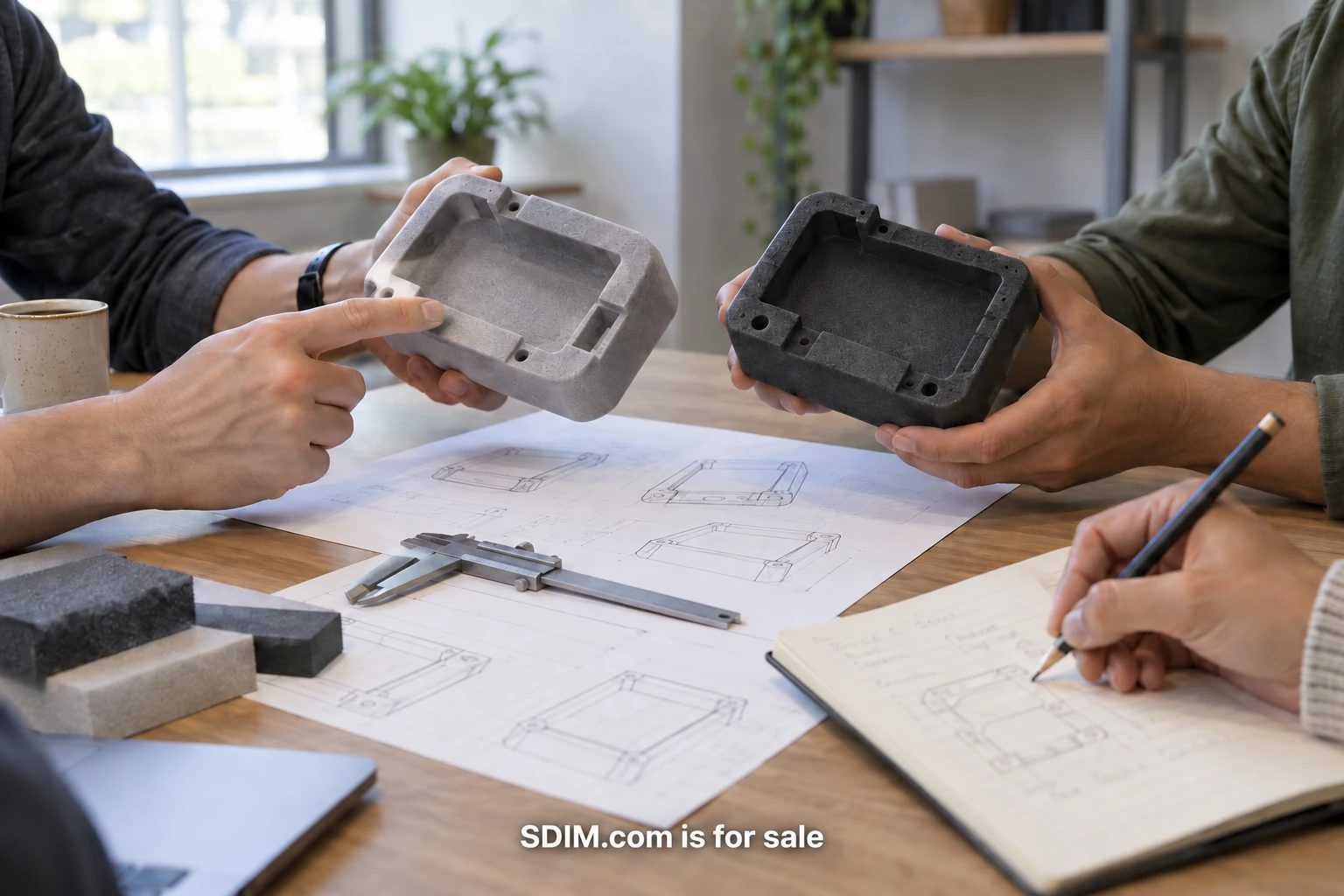
A prototype review can produce a long list of comments and leave the team exactly where it started. Someone likes the shape, someone wants another feature and someone raises a concern that cannot be answered by the model on the table. The meeting ends with “more iteration,” but nobody can say what the next version needs to prove.
A better review begins with a decision the prototype can help the team make. The object, screen or sequence is evidence for that decision. The meeting’s job is to inspect the evidence, understand its limits and agree on a next step. This approach works for a rough physical model, a clickable digital flow or a combination of the two.
The example throughout this guide is fictional. A team is designing a small workplace device with a physical control and an accompanying setup screen. It needs to decide whether a first-time user can recognize the initial action and understand the response. The review is about that interaction, not the entire product.
Write the decision in one sentence
Before inviting people, finish this sentence: “After this review, the team needs to decide…” A useful answer might be whether to keep the current setup sequence for the next prototype. An answer such as “get feedback on the design” is too broad. It leaves participants to choose their own questions and makes conflicting comments difficult to resolve.
Identify who owns the decision. Other participants can contribute observations and expertise, but one person should be responsible for recording the outcome. If the decision requires several approvals, explain which part each person owns. Resolve that structure before the meeting, so the review does not become a negotiation about authority.
List the options that are actually available. The team might keep the current sequence, revise the first cue or test two alternatives. It may not be ready to approve production. Keeping the available choices visible helps participants aim their comments at a decision the team can make now.
Match the prototype to the question
A physical model may reveal reach, size and orientation. A screen prototype may reveal wording and sequence. A combined setup may show whether the physical cue and digital instruction agree. Check that the review’s question can be observed in the material provided. If the prototype lacks the relevant behavior, the discussion will rely on imagination.
Explain what is simulated. A hidden operator may be triggering a screen response, or a button may be represented by a marked area. Participants should understand those limits when interpreting the result. The simulation can still be useful, but the team must avoid treating a manually produced response as evidence that the final system is technically reliable.
Keep visual polish proportional to the decision. A refined finish can make a prototype easier to understand, but it can also draw attention toward color and appearance. When the review concerns the setup sequence, introduce that focus explicitly and set aside unrelated styling questions for an appropriate later review.
Separate a team review from user research
Colleagues can identify constraints, inconsistencies and implementation questions. They often cannot reproduce the uncertainty of someone seeing the product for the first time. If the decision depends on unfamiliar users understanding a cue, plan to observe appropriate participants attempting the task rather than asking the design team to predict their behavior.
A small internal review can prepare that research. The team can check whether the prototype is ready, whether the task is understandable and whether the planned observations will answer the question. Record that purpose clearly. Calling an internal discussion “validation” can encourage a stronger conclusion than the evidence supports.
When real participants are involved, provide suitable information about the session and handle recordings or notes according to the project’s consent and privacy arrangements. Collect the material needed for the research question. Avoid adding identifying details to a shared review document when anonymous observations are sufficient.
Agree on observable criteria
Replace broad preferences with behavior the team can inspect. For the workplace device, the criteria could be whether a participant finds the first control, notices the response and knows what to do next. The team can note hesitation, incorrect actions and requests for help. Those observations are more useful than asking whether the setup “feels intuitive.”
Write the criteria before the session. Otherwise, a memorable comment can become the standard after the fact. The criteria do not have to be numerical, but they should be clear enough that two observers can discuss the same event. If they disagree about what happened, preserve the uncertainty and return to the evidence.
Include the conditions of the task. A device reviewed on an empty desk may behave differently in a crowded workplace. State which conditions are represented and which remain untested. That distinction helps the team choose a useful next experiment instead of making a universal claim from a narrow demonstration.
Capture observations before solutions
During the review, use separate spaces for what happened and what someone proposes changing. “The participant pressed the side panel twice” is an observation. “Make the button orange” is a proposed solution. Keeping them apart allows the team to consider several explanations and responses.
Ask a follow-up question when a comment is vague. If someone says the screen is confusing, find out which instruction or transition caused the confusion. If a technical reviewer says the interaction is difficult to implement, ask which part introduces the difficulty and what constraints apply. Specific concerns are easier to compare with the decision criteria.
Avoid debating every solution immediately. First collect the relevant observations, then group them by the question they affect. In the setup example, several comments might relate to the first action while others concern feedback after activation. Those may require different changes, and combining them into one general redesign would obscure the evidence.
Make the outcome explicit
At the end, the decision owner should state the outcome in plain language. The team might keep the current physical arrangement but revise the first instruction and test it again. Record the evidence behind that choice and any significant disagreement. A person who missed the meeting should be able to understand the reasoning without replaying the entire discussion.
An unresolved question is a valid outcome when the prototype could not answer it. Give that question a next experiment, an owner and a completion condition. “Explore more options” leaves too much open. “Compare two first-step cues with unfamiliar participants before selecting the next version” gives the team an actionable task.
Keep the decision proportional to the evidence. A review of the setup flow does not approve manufacturing, accessibility, durability or operational safety. Those topics may require specialist work and different prototypes. List the remaining decisions so that progress on one question does not accidentally erase the others.
Send a handoff that survives the meeting
Share a short record containing the reviewed version, the question, the observations, the decision and the next action. Link to the relevant prototype files and preserve the reviewed version when later edits begin. A decision tied to a moving file is hard to interpret a week later.
Give each action one owner and a clear output. The designer may revise the first cue, the researcher may prepare the next session and the engineer may investigate a response constraint. Agree on when those outputs will be reviewed together. This prevents parallel work from producing pieces that answer different questions.
Before the next review, read the previous decision record. Check whether the new prototype addresses the stated uncertainty and whether any assumptions changed. That habit gives iteration a direction. Each version becomes an answer to a specific question, and the team can explain why it is ready to take the next step.

About Michael Santiago
Michael Santiago’s work with premium names follows the progression from i-Newswire.com, founded in 2007, through iNewswire.com to the concise category brand Newswire.com. The business sold to Issuer Direct for $44 million in 2022. He now develops premium domains and companies through OnlineBusiness.com.